All features

Documents

A document in the right context, from upload to decision

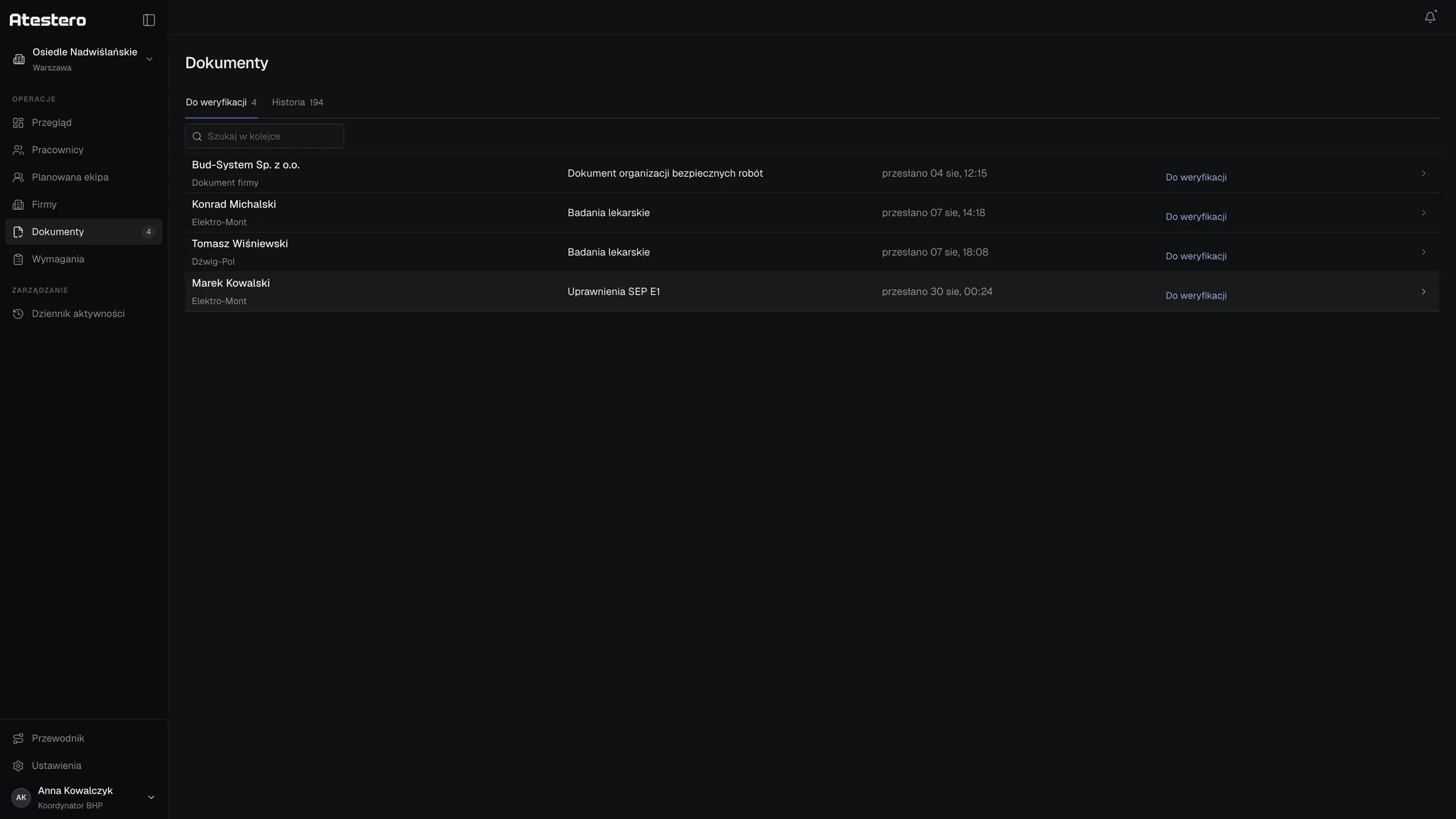
A file stays linked to the worker, firm, site and requirement. The reviewer sees the declared data and the document in one place.

Demo worker document ready for review in Atestero
Order

A document does not end up in an anonymous folder

Each file is linked to the right person and requirement, so you do not have to rebuild the context from a file name or a message.

Linked to the workerLinked to the siteType of documentDeclared validity period
Dates

An expiring document shows before its status changes

Atestero highlights approaching dates so the site manager and H&S can react before work is due to start.

Warning threshold“Expiring” statusRequest for a current documentReadiness updated after the decision

Key capabilities

A file stays linked to the worker, firm, site and requirement. The reviewer sees the declared data and the document in one place.

01File and data
02Document validity
03The right worker
04Review status

Questions: documents

Answers on how this part of the process works in Atestero.

01What is a document linked to?

To the organisation, site, firm, worker and the requirement it concerns.

02Can I see documents that will expire soon?

Yes. A document can get a warning status before the end of its declared validity period.

03Does a file uploaded by a firm mean readiness straight away?

No. It first goes to the “To review” state, and readiness can change only after an authorised person decides.

04Are documents available at a public address?

In the target environment files should stay private, and every preview and download should require server-side authorisation.

Atestero · subcontractor worker readiness

See the whole process on demo data.