All features

Change history

Decisions and actions leave a clear trail

The change history helps to reconstruct who added a document, who reviewed it and why a worker's status changed. It is shared context for the site manager and H&S.

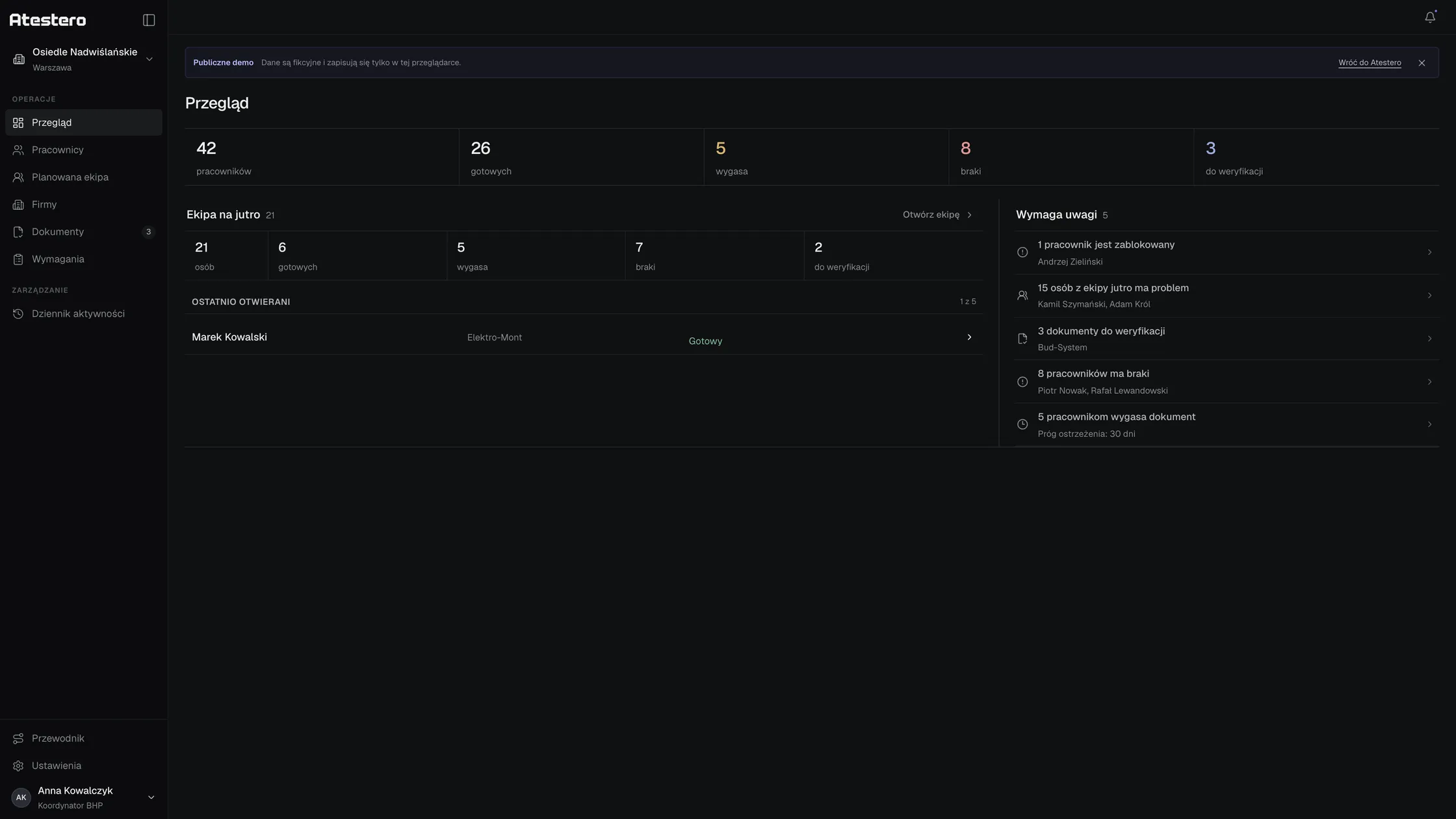
Demo Atestero panel with access to the change history
Trail

You know what changed a worker's readiness

Recorded actions link the person, the document and the decision. You do not have to reconstruct the process from conversations and separate messages.

Document addedRequest sentReview decisionChange of assignment
Shared context

The site manager and H&S work from the same history

The log helps explain the state without making another copy of the data and without assigning a decision to an anonymous entry.

Author and time of the actionLinked workerLinked firmReason for sending back or rejecting

Key capabilities

The change history helps to reconstruct who added a document, who reviewed it and why a worker's status changed. It is shared context for the site manager and H&S.

01Activity log
02Author of the action
03Time of the change
04Reason for the decision

Questions: change history

Answers on how this part of the process works in Atestero.

01What events go into the history?

Among others, adding a document, sending a request, a review decision and changes that affect readiness.

02Does the history show who did what?

Yes. An event should show the user, the time and the related object, without recording secrets or document contents in the log.

03Can an ordinary user edit the history?

The audit history should not be open to ordinary editing, because it is used to reconstruct the process.

04Does the history replace documentation required by law?

No. It is a trail of actions in Atestero and does not replace documentation the organisation must keep in any other scope.

Atestero · subcontractor worker readiness

See the whole process on demo data.